Integrations
Crik-Link: the desktop bridge to QuickBooks and Evosus
If you run QuickBooks Enterprise, Premier, or Pro — or Evosus — Crik-Link moves purchase orders, quotes, prices, costs, new items, and inventory between your desktop system and CrikSales without anyone re-typing it twice.
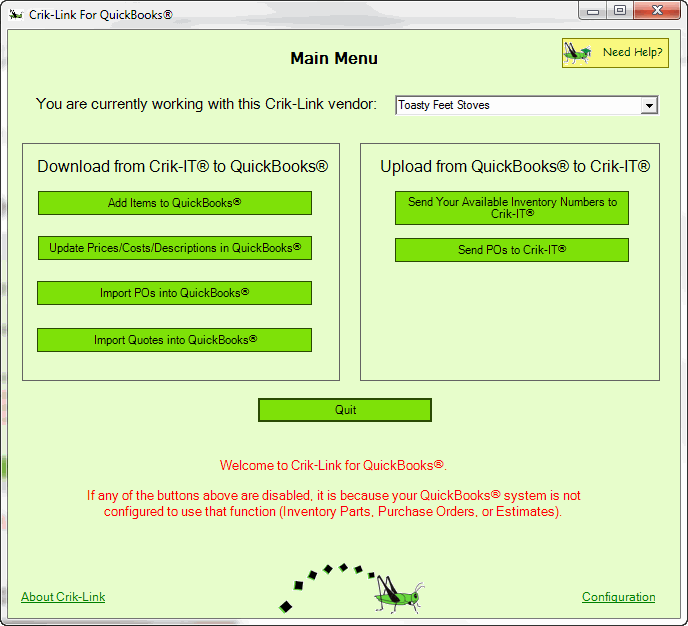
What Crik-Link moves for you
Crik-Link runs on your desktop and talks directly to QuickBooks Enterprise, Premier, or Pro — or Evosus — so data only has to be entered once.
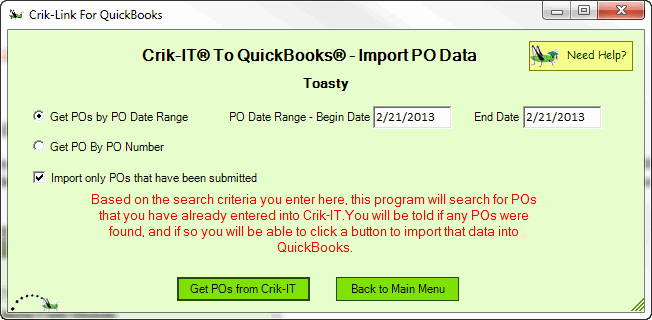
Purchase orders
Import POs without re-typing them
Enter a PO number, or a date range of POs, in Crik-Link. It goes out to CrikSales, finds the matching purchase orders, and puts them into QuickBooks automatically — eliminating the errors that come from entering a PO once in CrikSales and again in QuickBooks.
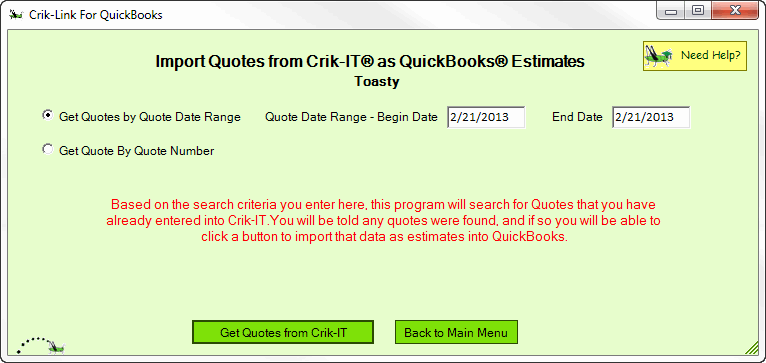
Quotes
Bring quotes into your desktop system
Pull quotes entered in CrikSales directly into QuickBooks Desktop or Evosus, keeping your quoting and accounting records aligned without double entry.
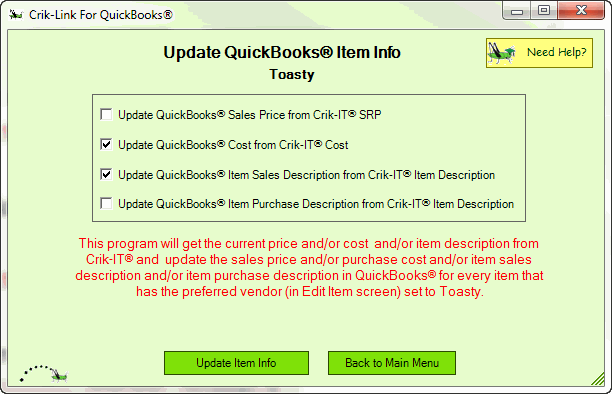
Prices & costs
Push price and cost updates in bulk
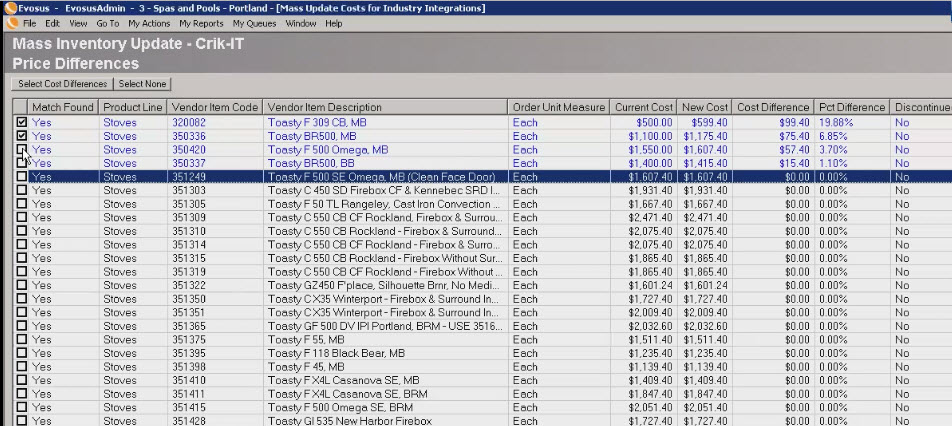
Download prices and costs from CrikSales and push them into your desktop system, keeping what your customers see in the portal in step with your books.
New items
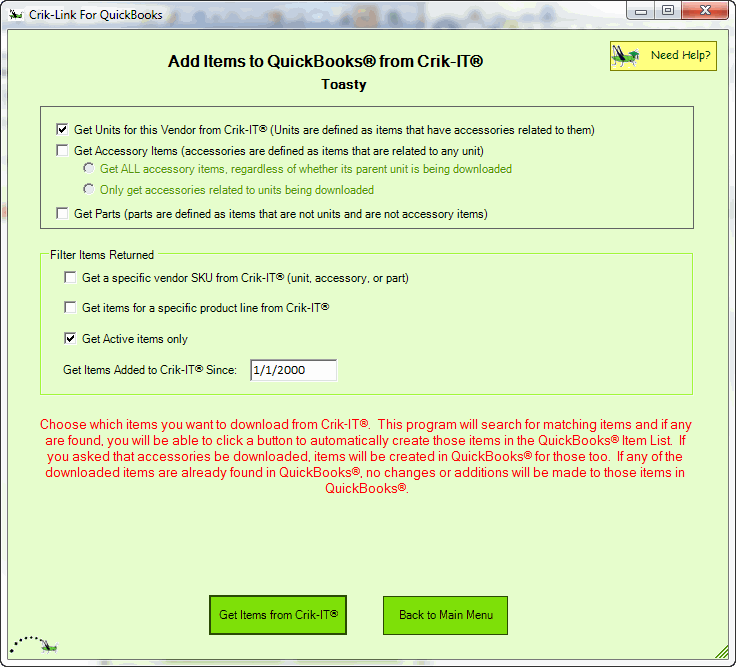
Add new items once, everywhere
New items created in CrikSales can be pulled into your desktop system automatically, so your catalog doesn't need to be rebuilt by hand on both sides.
Inventory
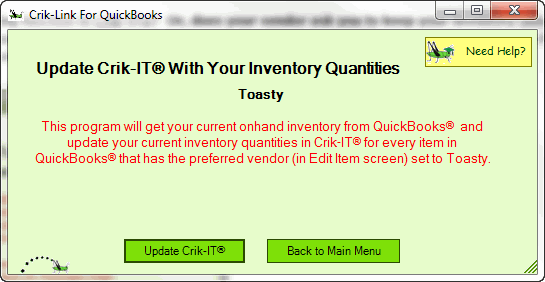
Keep inventory counts current
Upload inventory levels from your desktop system into CrikSales so what customers see in the portal reflects what's actually on the shelf.
Evosus
Runs with Evosus too
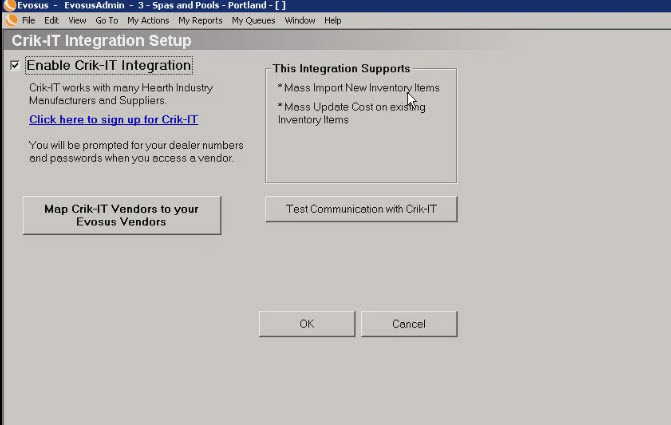
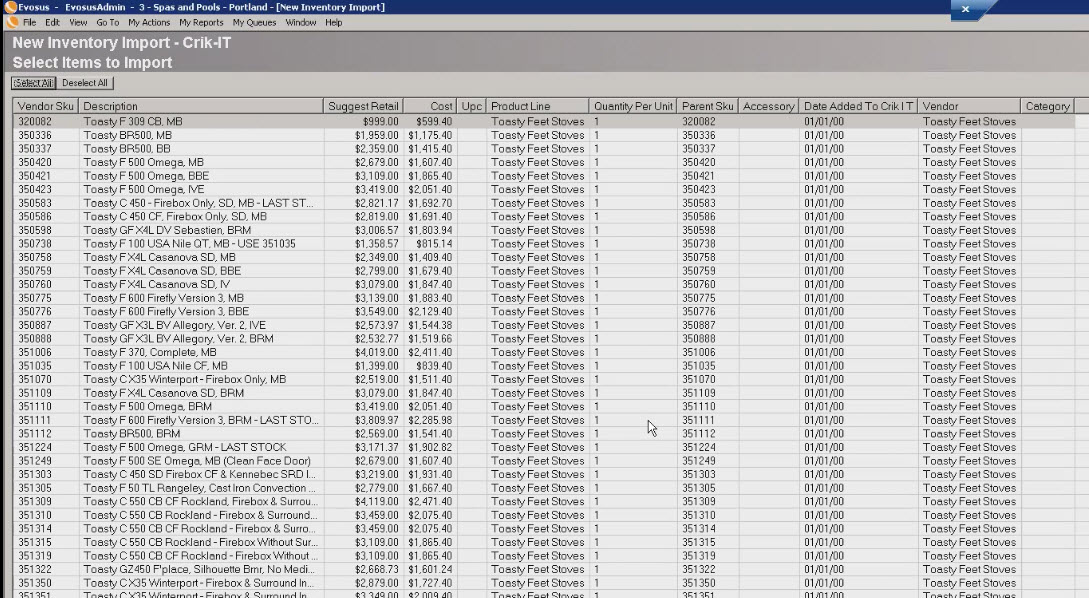
Crik-Link isn't limited to QuickBooks — it's also set up to work with Evosus, following the same setup and update pattern.
Who Crik-Link is for
Crik-Link is built for dealers and vendors who run their books on QuickBooks Desktop (Enterprise, Premier, or Pro) or Evosus and want their CrikSales data to match their accounting system without hand entry on either side. If that's your setup, ask your account rep about enabling Crik-Link.
Other integrations